TL;DR: If customers do not come to your address, hide it on your Google Business Profile. You can list up to 20 service areas, set by city or postal code, and your business name must be the real-world name you use everywhere.
If customers do not come to your address, hide it
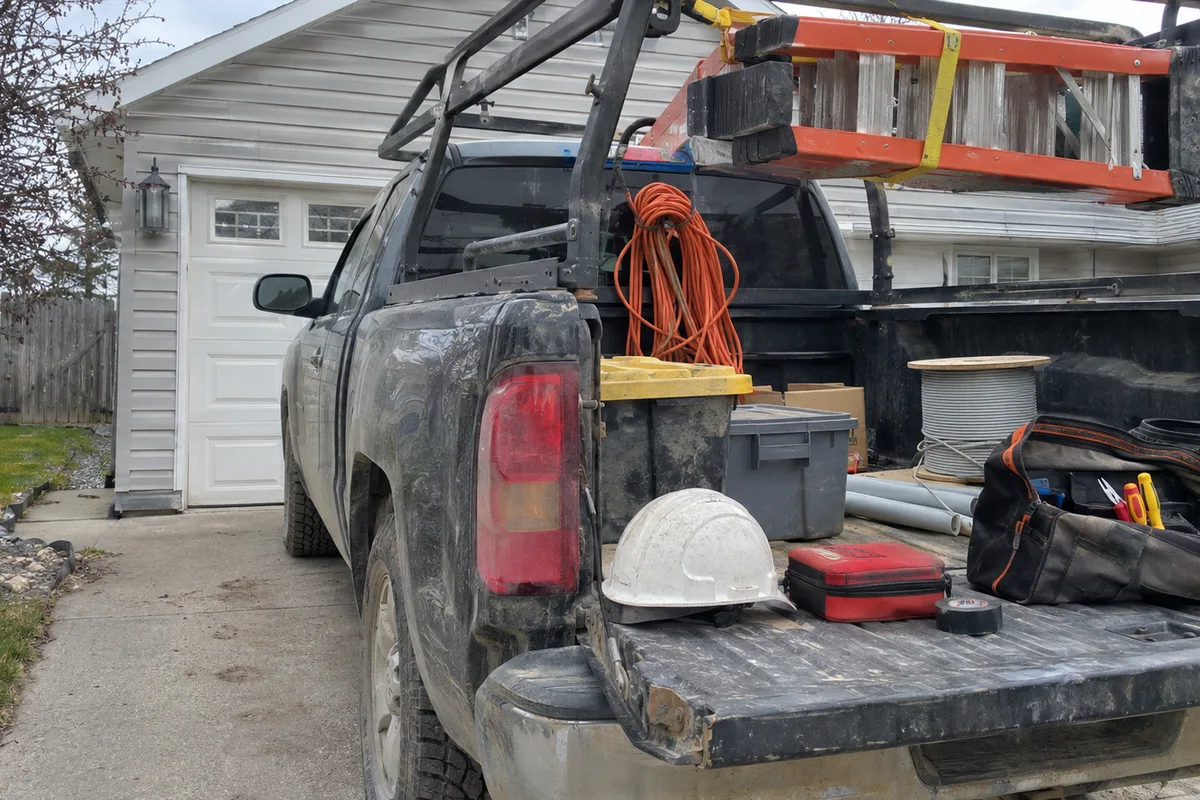
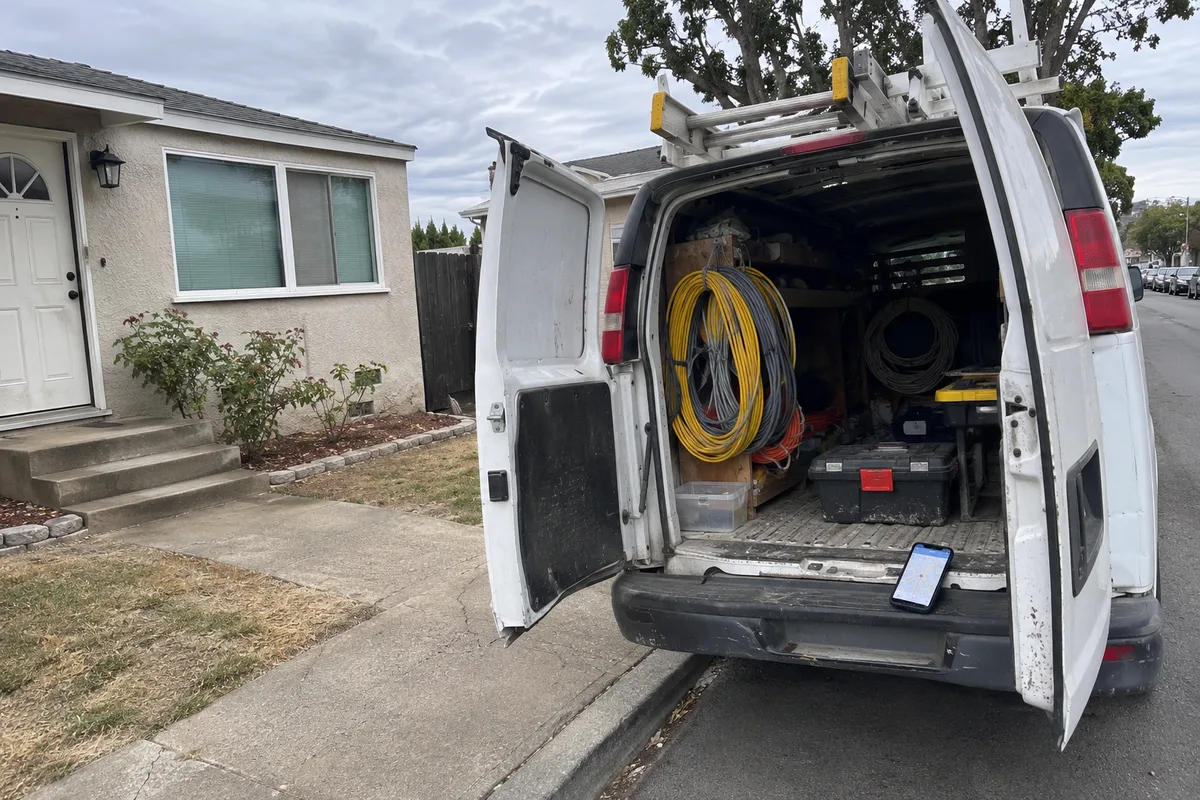
An electrician working from a home garage or van with no walk-in customers is a service-area business. If you do not serve customers at your business address, Google says you must hide the address.
The setting is called “Show business address to customers.” Turn it off.
A verified service business that shows its address must hide it if customers do not receive service there. Your profile can still show the areas you serve without publishing your home address.
A hybrid business is different. You can show the address and list a service area if customers visit your location and you also travel to jobs. The location must be staffed and able to receive customers during the hours shown on the profile.
A virtual office does not qualify. A location without permanent signage does not qualify as a storefront either. List that business as a service-area business.
The question is simple: do customers actually come to this location during your stated hours? If the answer is no, hide the address.
Your service area is 20 places, not a 50-mile circle
Google lets you set up to 20 service areas. You choose them by city, postal code or another defined area. You cannot set the service area as a radius distance.
That matters for electrical shops because a radius can include places you never serve and exclude places you do. A city list is more specific. It also gives you something you can check against your actual calls.
Google recommends keeping the service area within about two hours of driving time from where the business is based. That is guidance, not a hard cap. Google also says larger areas may be appropriate for some businesses.
Do not treat the list as a record of every place you might accept a job someday. Use the places your shop actually serves.
Wirewoman logs every call to a dashboard. Look at where after-hours calls came from by town or ZIP code the caller gave you. Compare that list with the cities on your Google service area.
Trim cities where you never take jobs. Add cities callers keep naming when those calls fit your service area and your shop’s own rules.
That gives you a practical review method. You are not guessing from a map. You are checking the places customers are already calling about.
Your business name should not be an ad
Your Google Business Profile name should match the real-world name you use consistently on your storefront, website and stationery.
Do not turn the name field into a service list. Google does not permit unnecessary information in the business name, and that can lead to suspension of the profile.
The name must not include marketing taglines, business hours, phone numbers, URLs, service or product information, location information or ALL-CAPS words.
This kind of name creates a suspension risk:
“Smith Electric - Emergency Electrician Open 24 Hours Temecula”
Use the legal or real business name instead. Put the service information in the parts of the profile intended for services and business details.
Do not put “24 hours” in the business name, even if your phone line is answered around the clock.
If you are considering advertising 24-hour service, decide what your shop actually accepts after hours first. These guides can help: what it takes to offer 24-hour electrical service and what counts as an electrical emergency.
Pick the fewest categories that describe the core business
Google says to use as few categories as possible to describe the core business. Choose categories that are as specific as possible.
A category should complete this sentence:
“This business IS a …”
Do not treat categories as a place to add every keyword someone might search. Pick the category that describes what the business is.
Your service area and category answer different questions. The service area says where you work. The category says what kind of business you are.
Keep those settings accurate. Do not use extra categories to describe every type of electrical work you might perform.
Your free Google Business Profile is also different from paid Google Local Services Ads. If you use both, treat them as separate products. Google Local Services Ads for electricians covers the paid product, and once the profile is right, asking customers for Google reviews is the next job.
Keep regular hours honest and explain after-hours service elsewhere
Your profile should show regular customer-facing hours. Google also lets you set special hours for particular days, including holidays.
Seasonal businesses can set special hours or mark a temporary closure. Use those settings when your availability changes instead of leaving regular hours that do not describe what customers can expect.
Your profile hours also need to match how you present after-hours service on your website.
If your profile shows hours ending at 5 p.m. but Wirewoman answers 24/7, books to the calendar and texts you a job summary by SMS within 30 seconds, calls that come in after hours still get picked up. Urgent calls route according to your shop’s own escalation rules.
That does not make your regular profile hours 24 hours. Keep the profile hours honest. Explain on the website how after-hours calls are handled, and decide which calls your shop actually takes.
For example, you may answer every call but accept only certain urgent electrical problems after hours. Make that decision before advertising 24-hour service. Your rules should determine where urgent calls go and what information gets sent to you.
Set holiday hours when the shop is closed or operating on a different schedule. If the business is seasonal, update the profile for the temporary closure or special schedule.
Fix these profile settings this week
Open the Google Business Profile and check the address setting first.
If customers do not come to the location, hide the address. If customers visit and the location is staffed during the listed hours, confirm that the hybrid setup matches reality.
Then review the service area.
- Keep only cities, postal codes or other areas you actually serve.
- Stay within Google’s roughly two-hour driving-time guideline unless a larger area fits your business.
- Keep the list at 20 service areas or fewer.
- Compare the list with towns and ZIP codes from your Wirewoman call dashboard.
- Remove cities where you never take jobs.
- Add cities callers keep naming when they fit your service rules.
Next, replace any keyword-stuffed business name with the real-world name used on your storefront, website and stationery. Remove hours, phone numbers, URLs, taglines, service descriptions, location terms and ALL-CAPS words from the name.
Choose only the fewest specific categories that complete “This business IS a …”
Finally, set regular customer-facing hours, add special hours for holidays, and mark a temporary closure when needed. Keep after-hours handling on the website and out of the business name.